AI Culling — Less Sorting, More Creating
Automatic filtering. Bad photo detection. Full control in your hands.
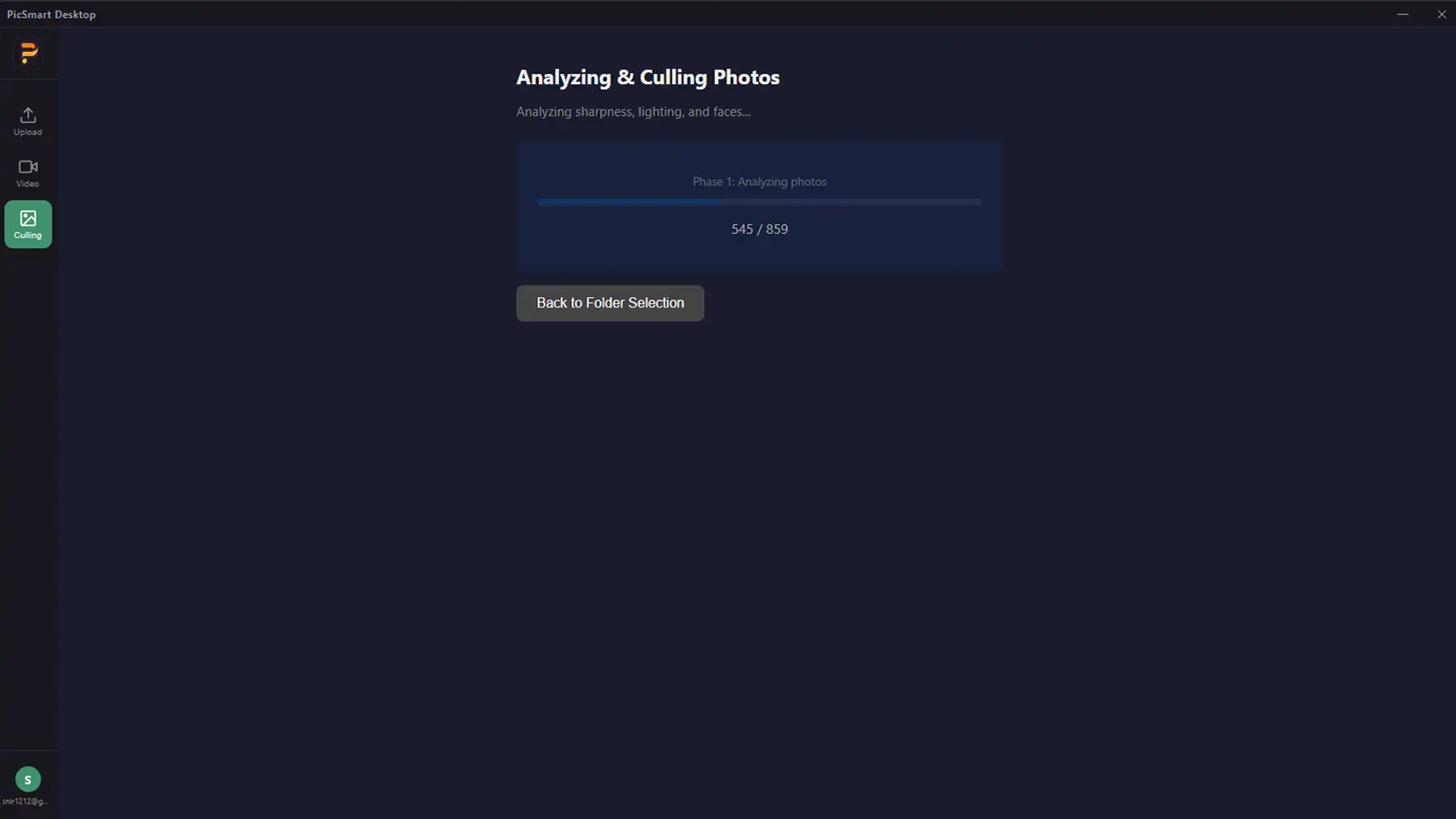
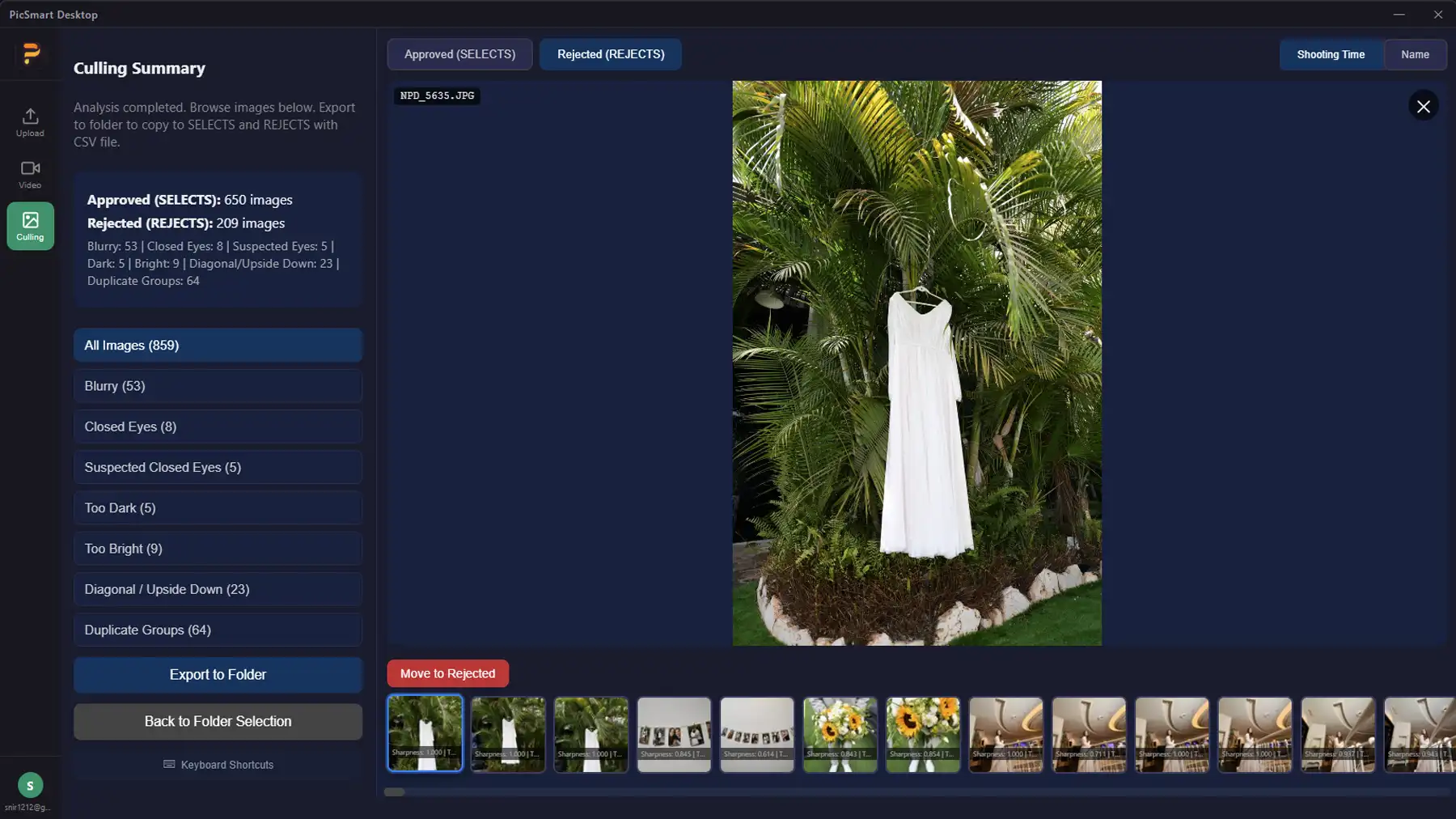
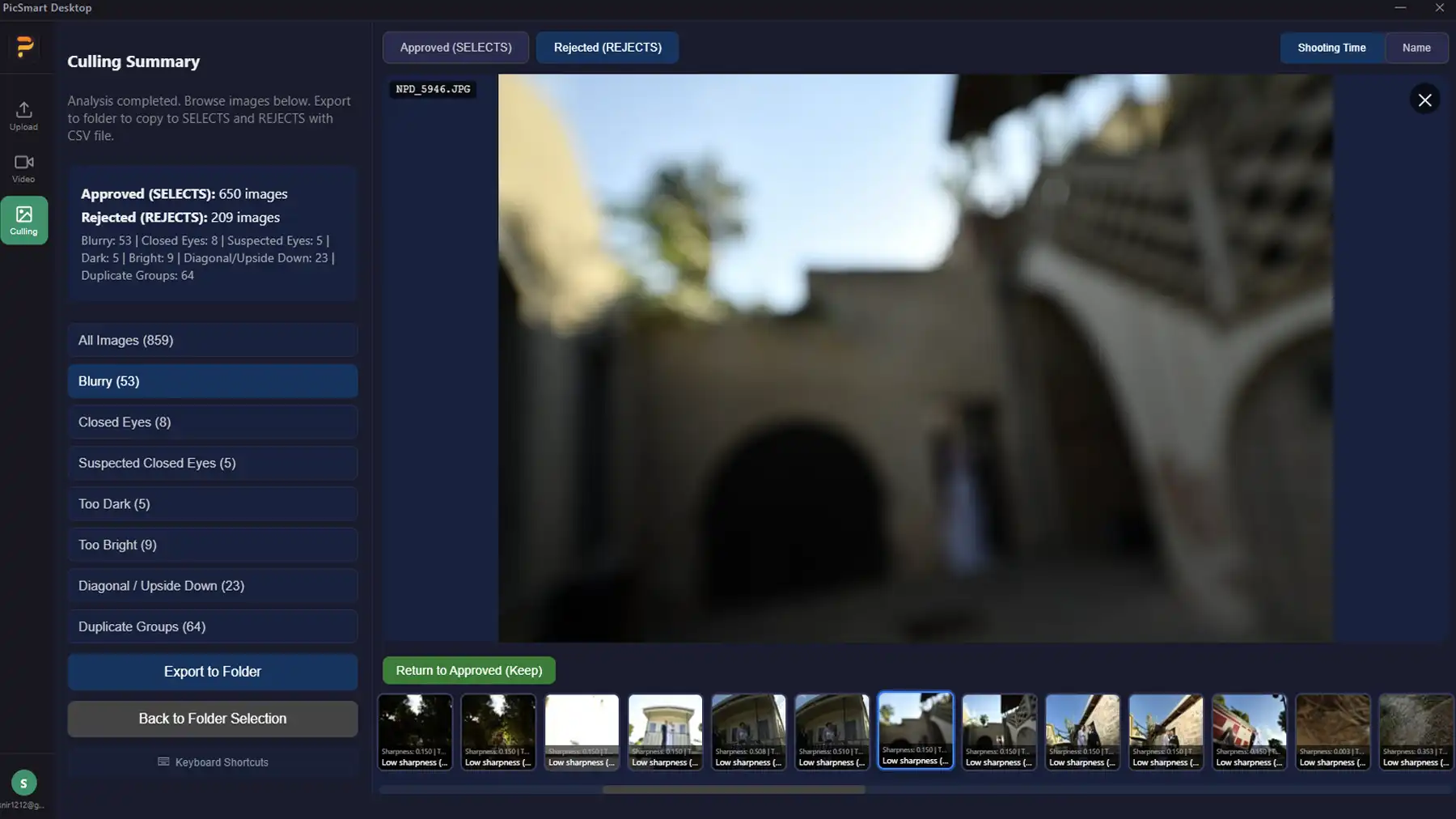
PicSmart Desktop scans your raw folder and automatically detects blurry photos, closed eyes, tilted shots and duplicates. You get a clear summary, approve or reject — and save hours of manual work.
Blurry Photo Detection
AI detects out-of-focus images and marks them for culling — no need to manually review thousands of files.
Closed Eyes Detection
Photos with closed eyes are automatically detected and suggested for deletion.
Duplicates & Tilted Shots
AI finds very similar photos and crooked shots — so you keep only the best ones.
Full Control in Your Hands
Results aren't final — you get a summary and can approve, reject or change any decision before deletion.
Who Is It For?
Wedding Photographers
Thousands of photos per event — AI Culling filters the bad ones and leaves you only what needs review.
Event Photographers
Bar/Bat Mitzvahs, birthdays, corporate events — less time sorting, more time editing and delivering.
High-Volume Shooters
Hundreds or thousands of photos a day — significant time savings with automatic culling.
How It Works
Select Folder
Open PicSmart Desktop and select your raw folder from the shoot.
AI Scans & Detects
AI reviews all photos and detects blurry, closed eyes, duplicates and tilted shots.
Summary for Approval
You get a clear summary of detected photos — review and approve or reject as needed.
Cull & Save Time
Bad photos are moved to trash or deleted — and you continue editing with a clean folder.