Client Galleries — A Viewing Experience That Matches Your Brand
Fast loading. High quality. Simple selection and download. One link for your client.
Branded client galleries — themes, photo selection, download and share in one link.
Choose the style that fits your gallery
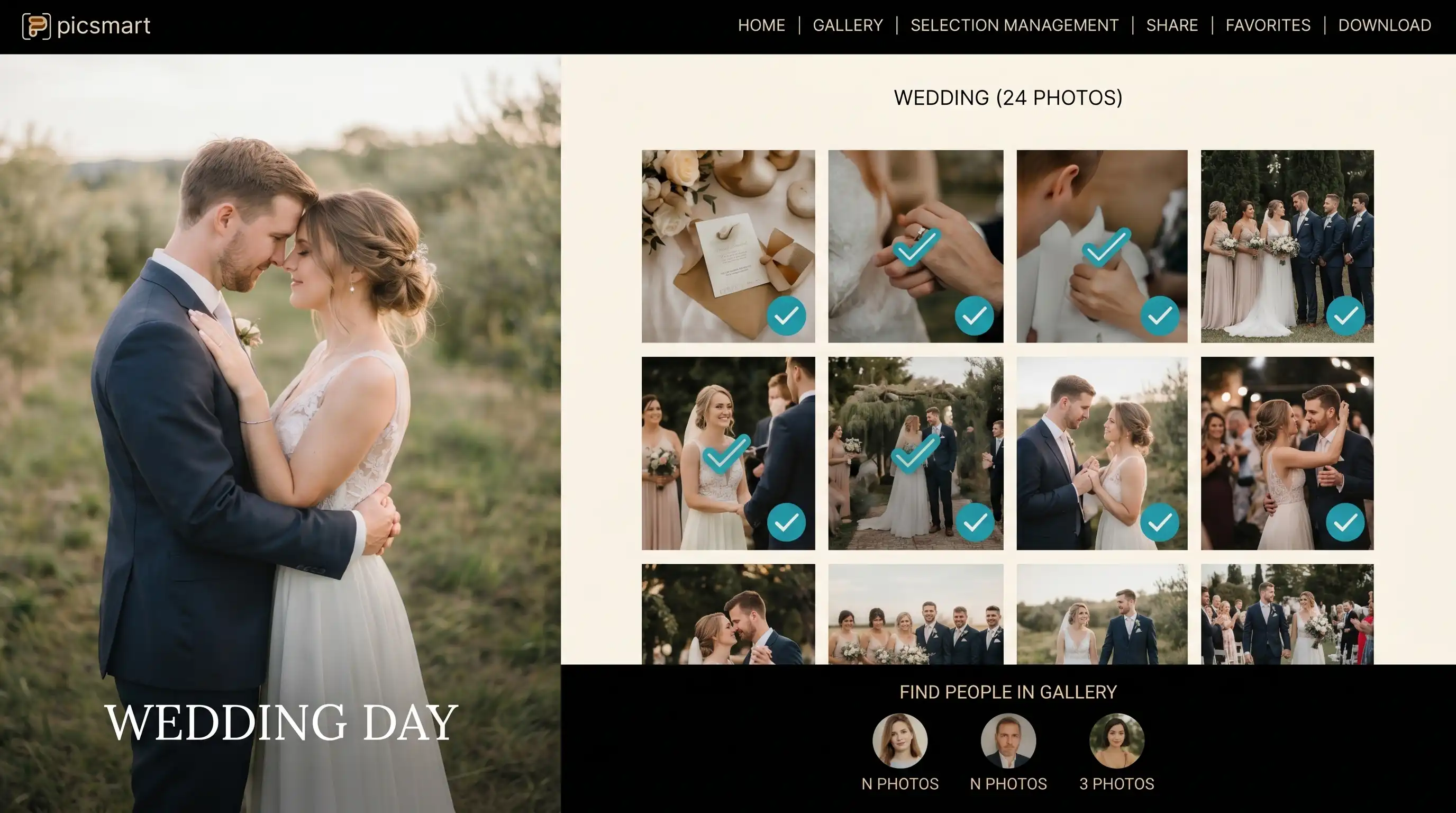
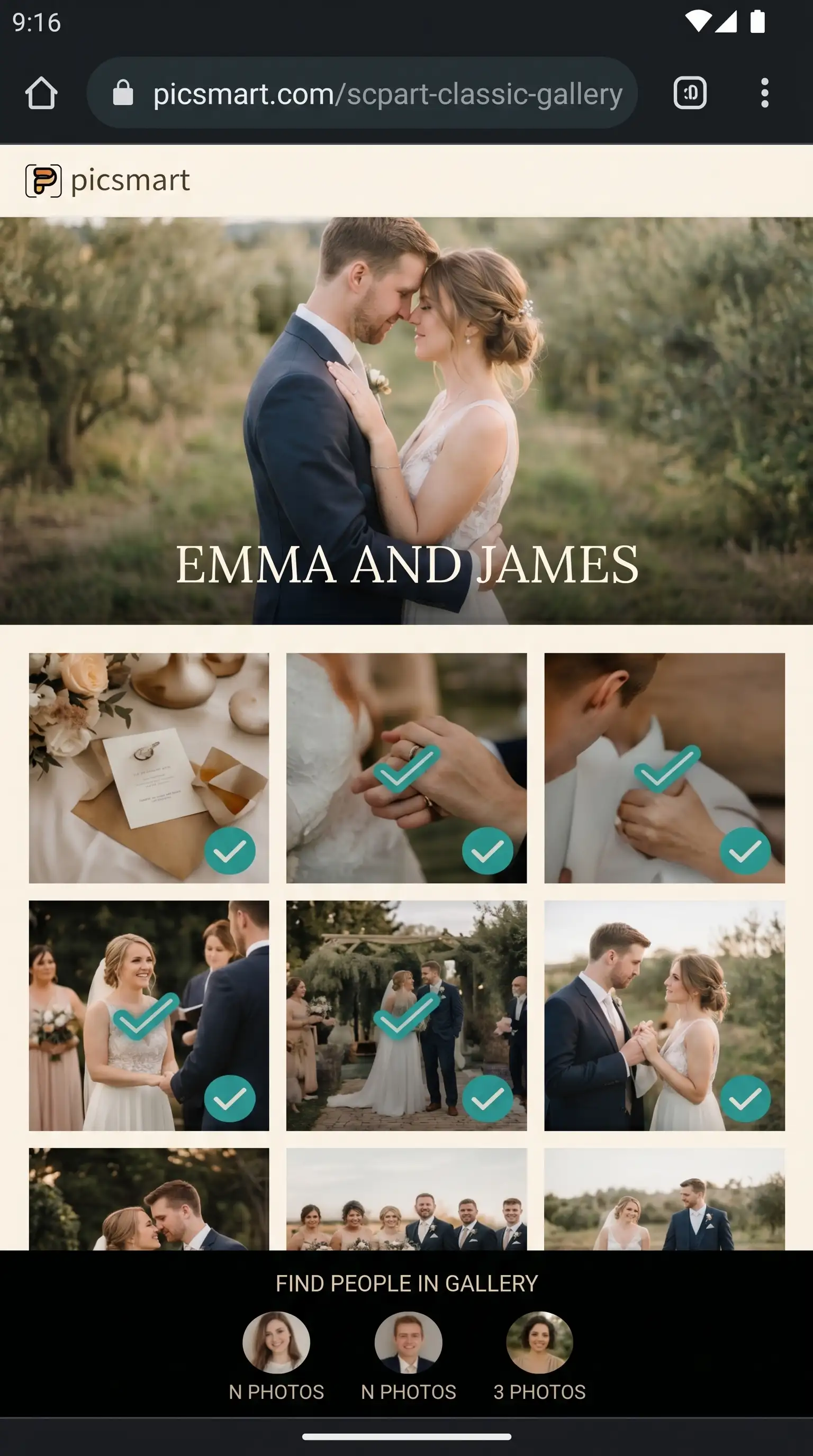
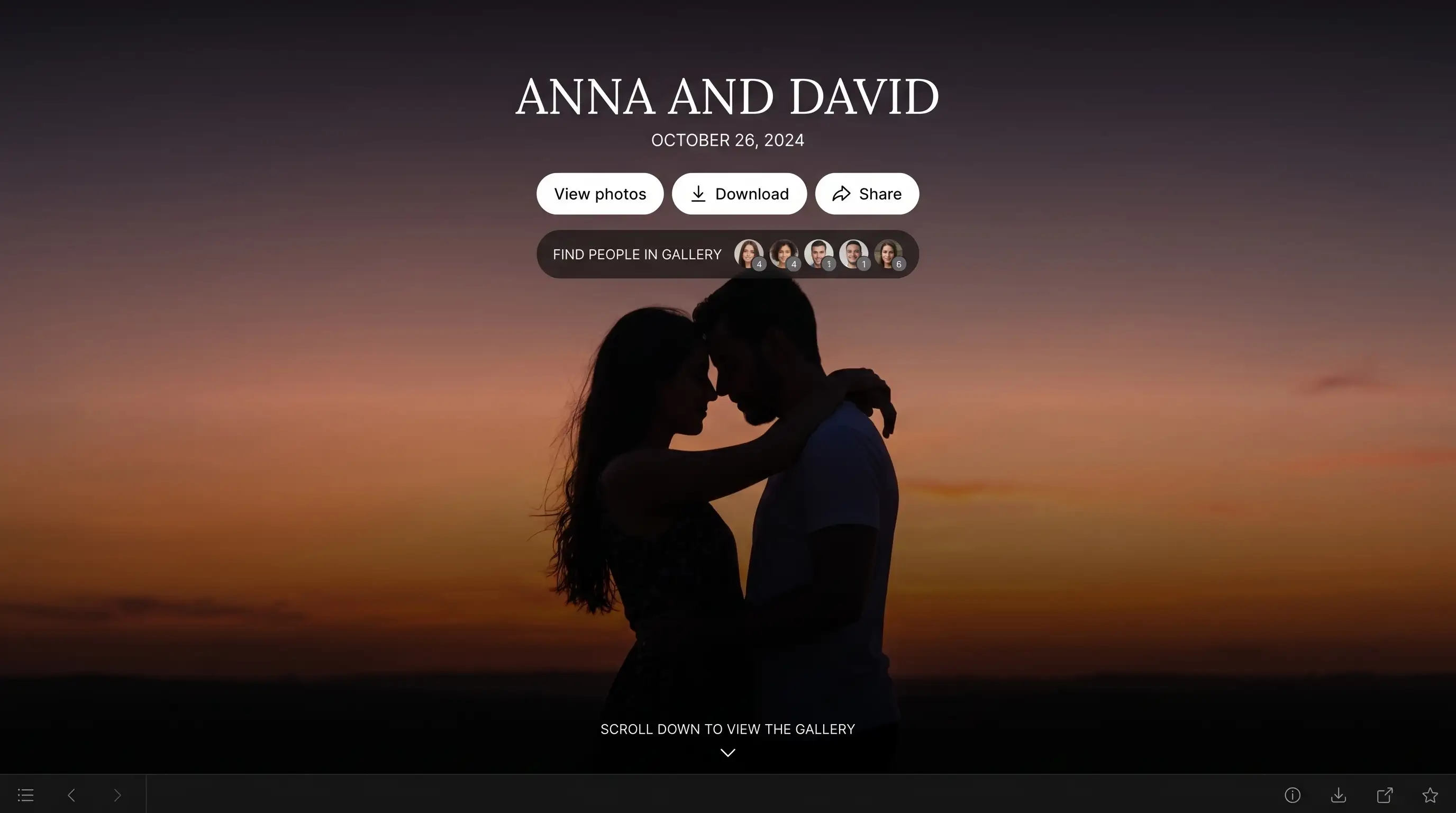
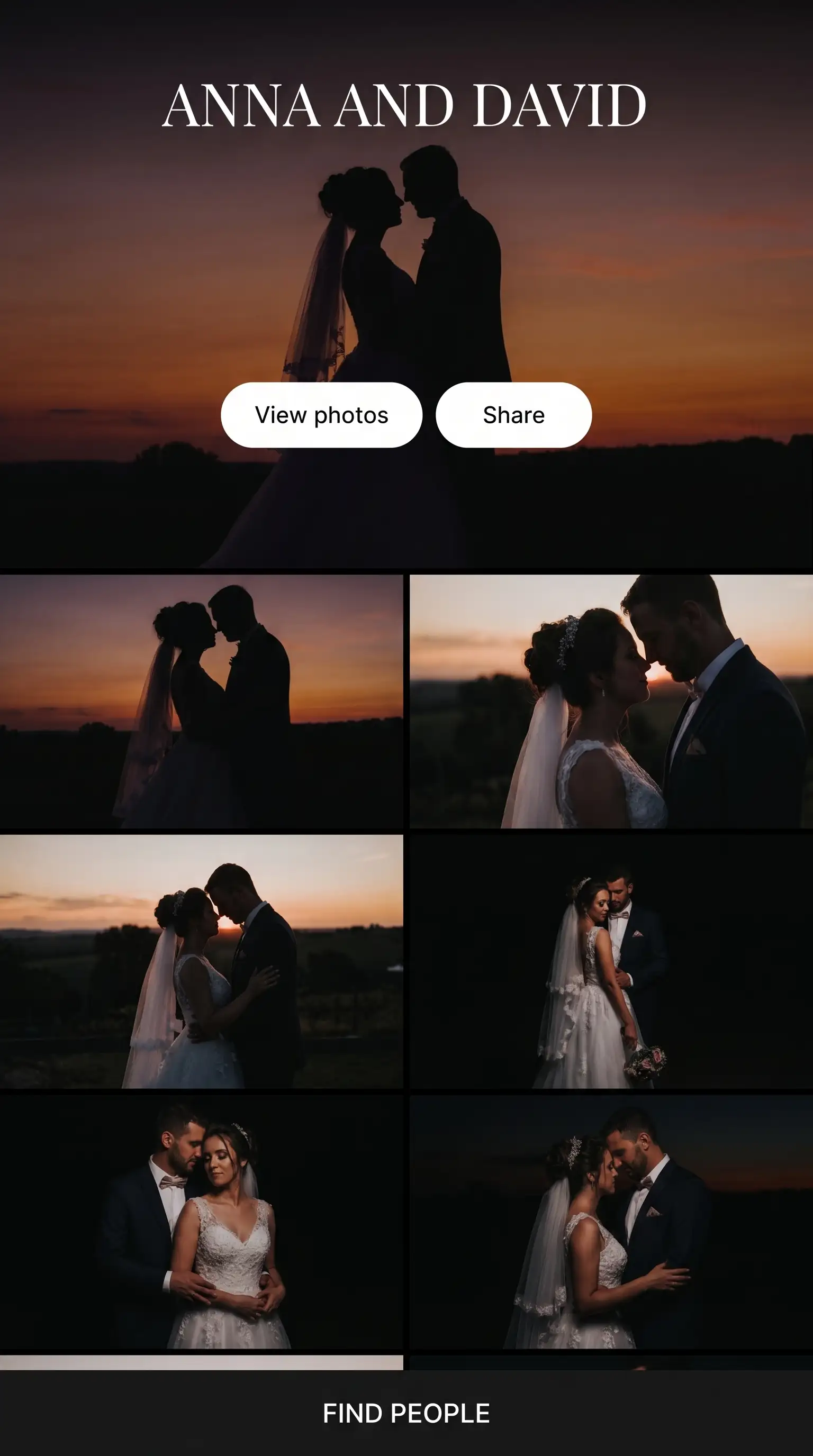
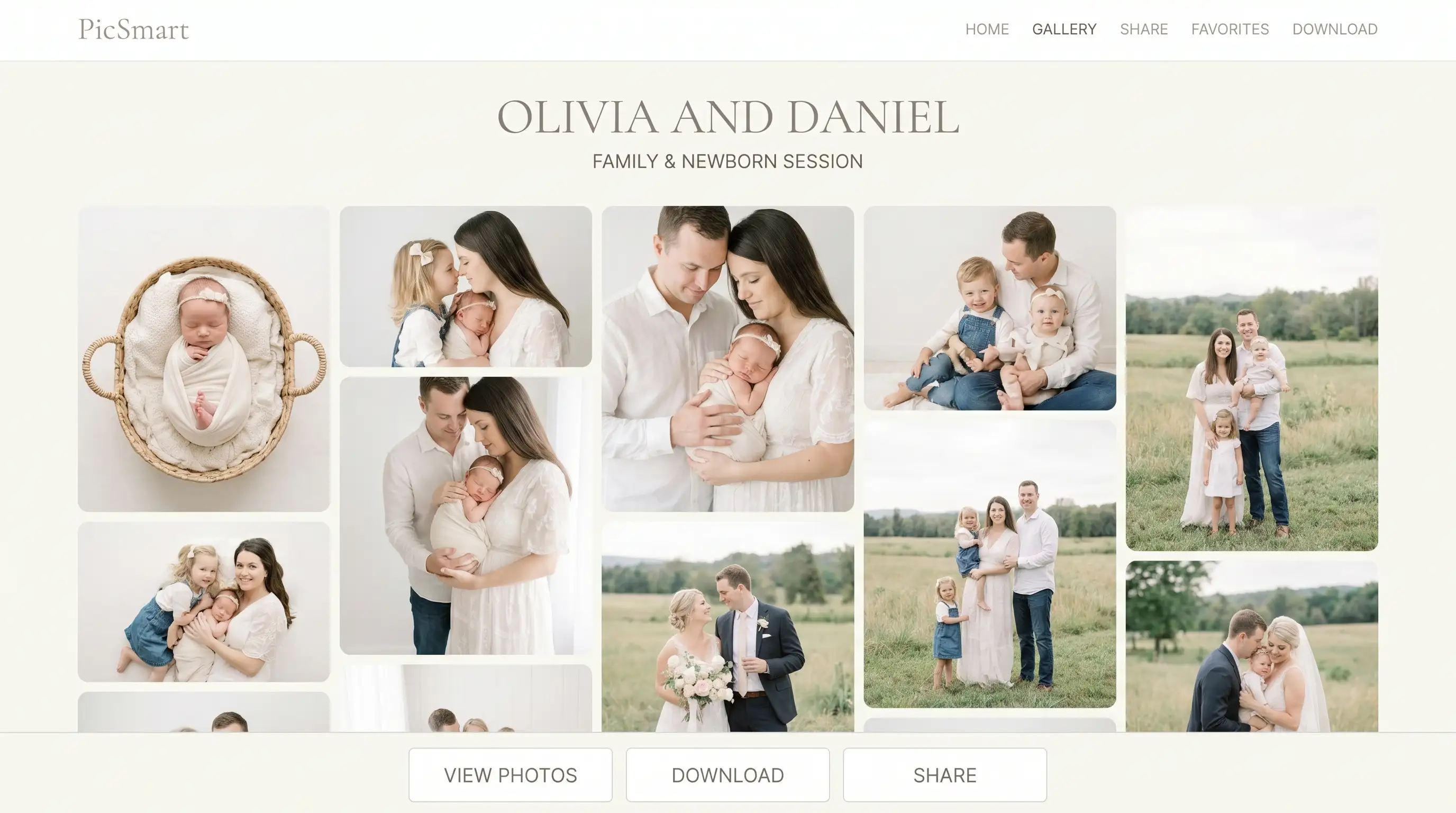
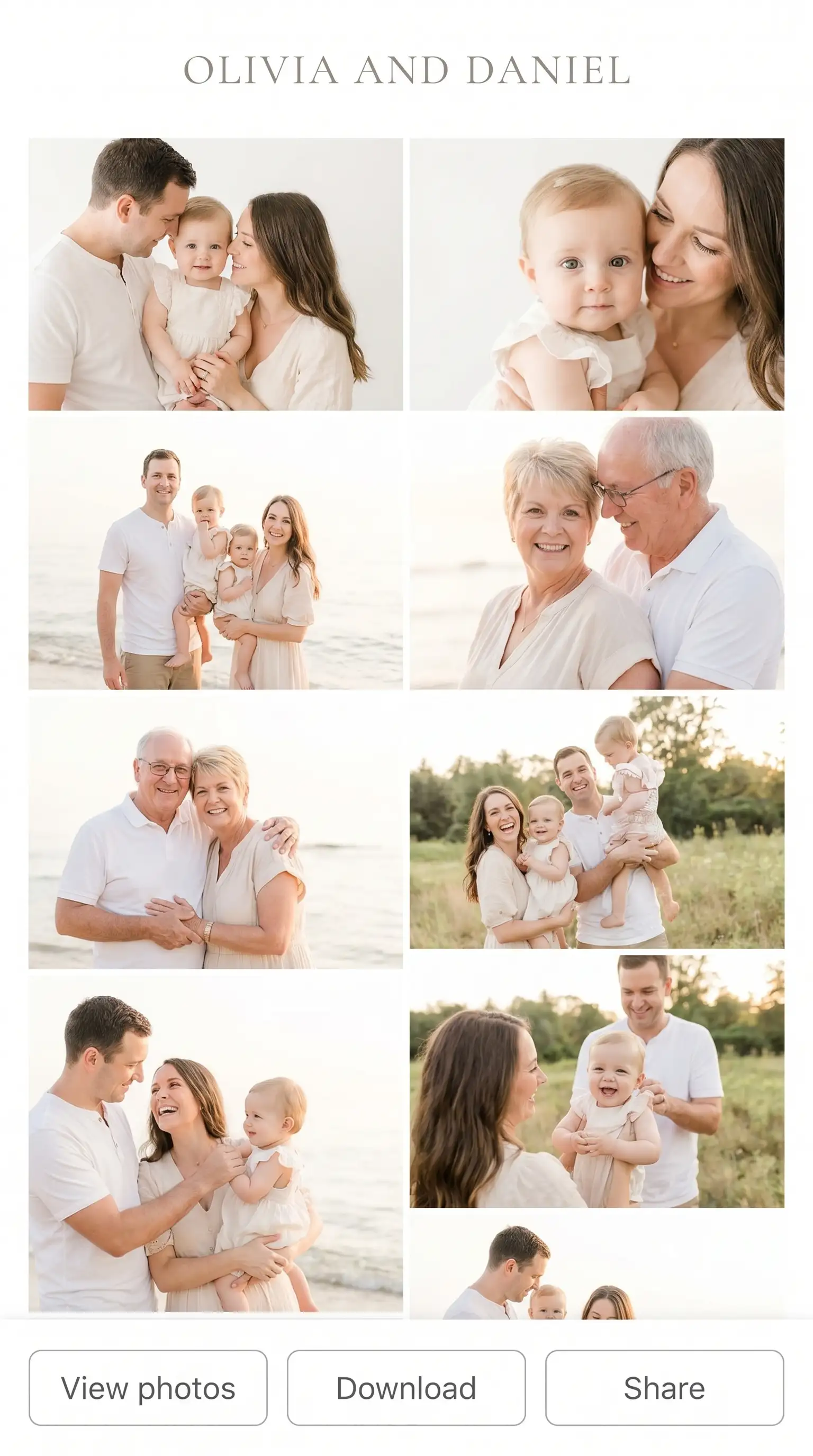
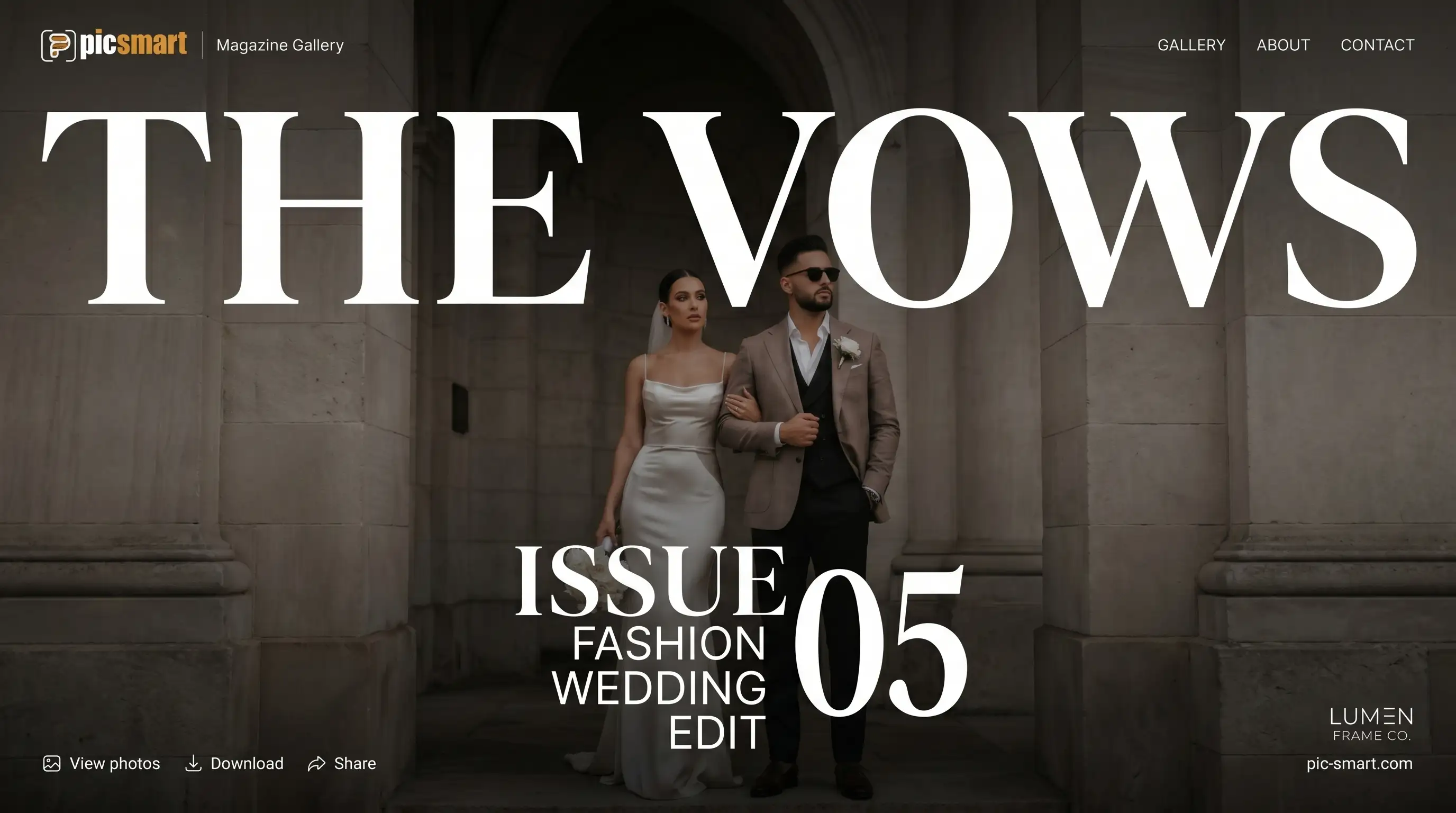
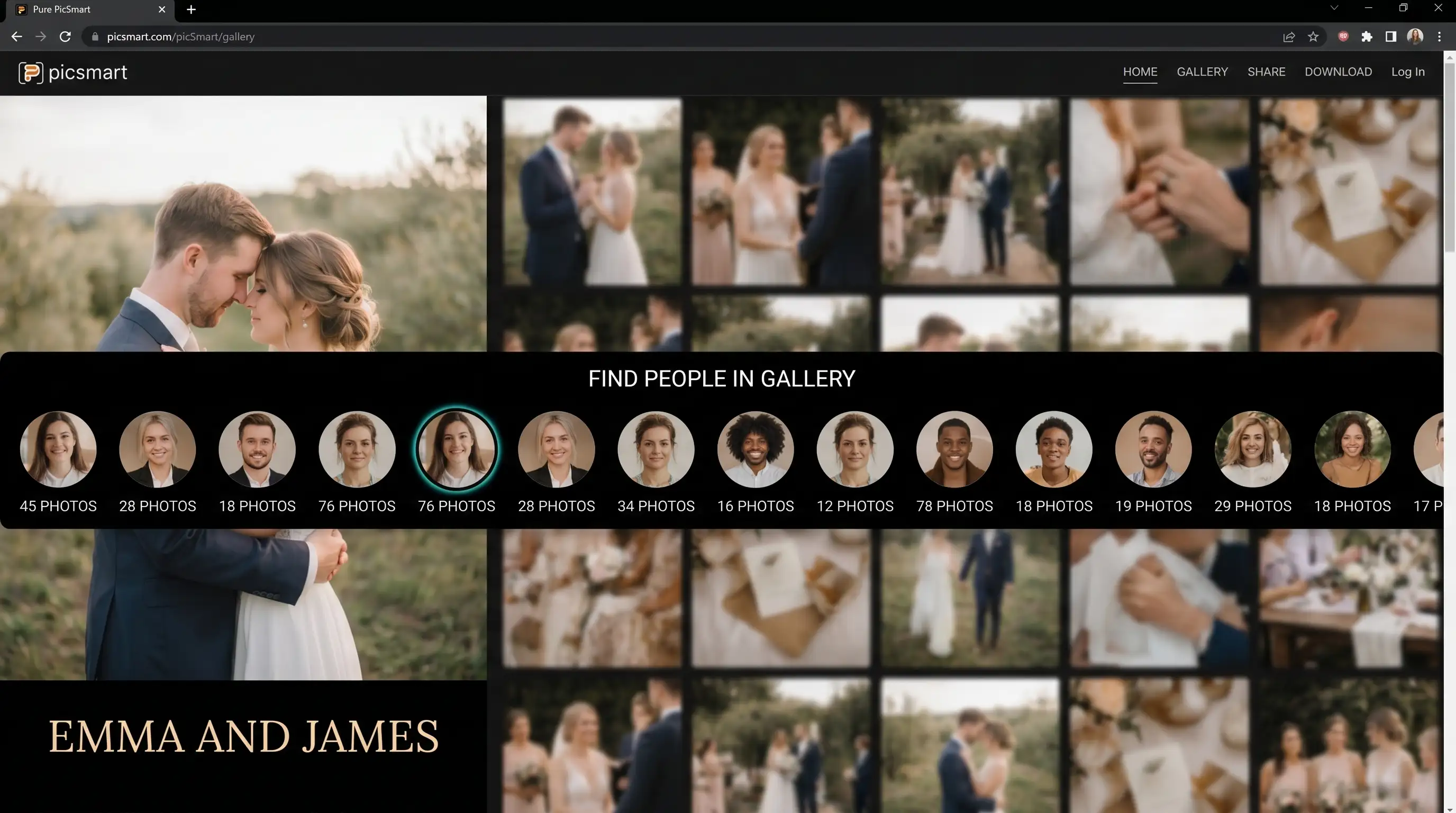
Photo selection, download, sharing and face recognition
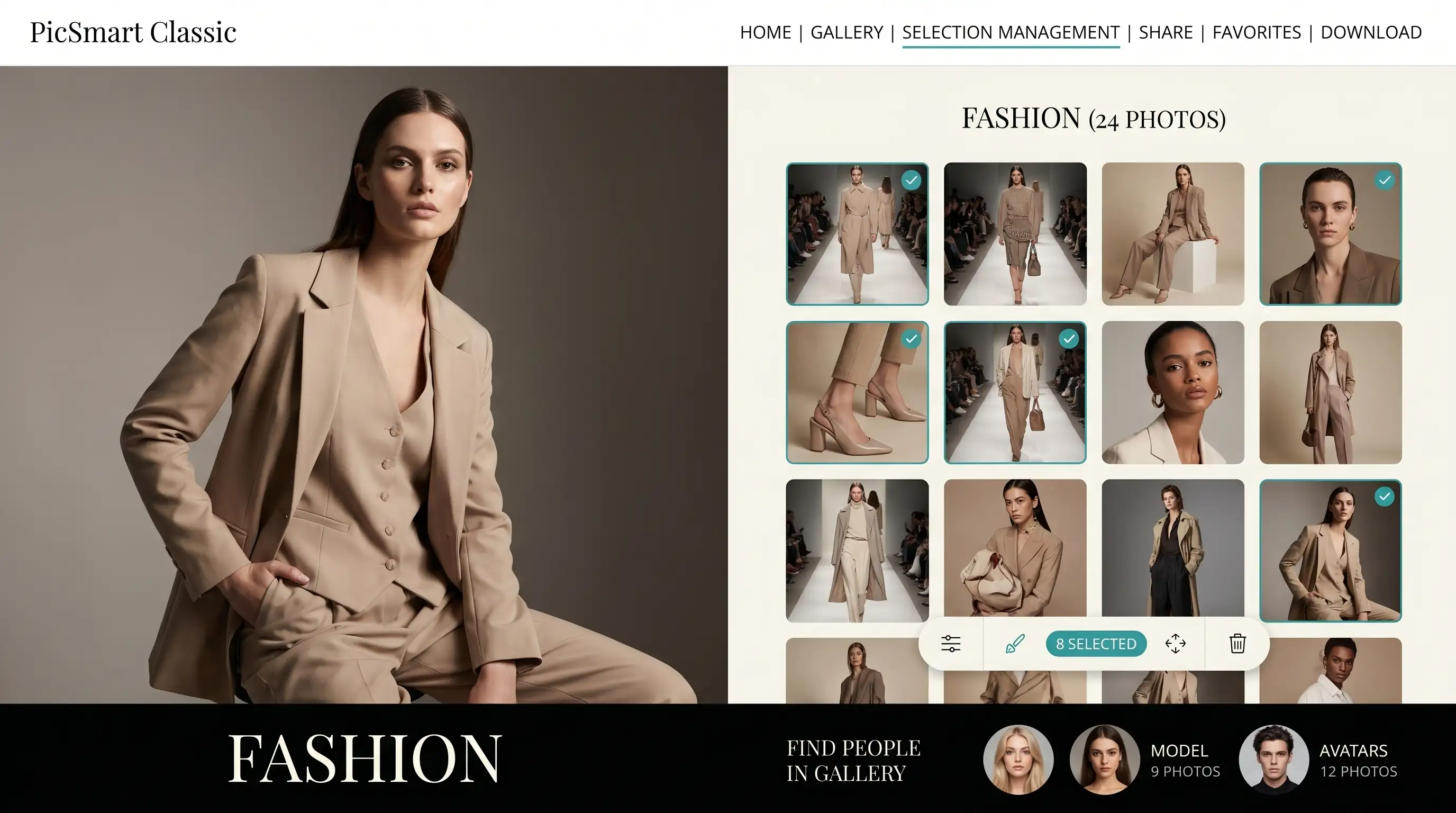
* Images for illustration purposes only
Fast Loading & High Resolution
Thousands of images load quickly; full-quality viewing without compromising the client experience.
Client Selection & Download
Clients mark favorite images and download their selection or the full gallery — a clear, simple process.
Share link with client photo-selection permissions
Folder-based sharing for guests — tailored access per folder.
Face recognition
With the face recognition module, clients see albums by person and focus their selection and download.
Who Is It For?
Wedding Photographers
Deliver hundreds of wedding photos in a beautiful, branded gallery your clients will love.
Portrait & Family Studios
Simple galleries for family sessions, newborns and portraits — easy for clients to pick and download.
Event Photographers
Thousands of event photos organized by face, ready for attendees to find and download their own images.
How It Works
Upload Gallery
Upload your edited photos to PicSmart — drag and drop or sync from the desktop app.
Set Cover & Gallery Style
Upload a cover image and choose your gallery style.
Share Link
Send your client a branded link — optionally protected with a password.
Client Downloads
Your client browses, selects favorites and downloads — all from the browser.
Frequently Asked Questions
You send the client a dedicated gallery link — by email, WhatsApp or any channel you prefer.
What happens on the client side?
- They open the link in a browser (Chrome, Safari, etc.) — no signup, account or app required
- They see a branded gallery that matches your look — on desktop and mobile
Yes — you decide what's allowed for each gallery:
- Download individual images
- Download their selection (favorites / album picks)
- Download the full gallery — according to your settings
Clients download directly from the browser — no extra software needed.
Yes. PicSmart is built for high-volume events:
- Thousands of images in one gallery — no limit on photo count
- Fast loading — average load time around 0.3 seconds per image
- 4K viewing resolution — without compromising quality
- AI face recognition — clients find their photos in one tap, even at events with thousands of images
Yes. You can set a custom expiry for photo selection, with selection reminders before the deadline — so clients don't miss the window.
You can set a custom expiry for the viewing link, or leave it with no expiry at all.
Photos in the gallery remain available with no time limit.
Yes. There is an instant access block mode — for example when you need to stop client or guest access immediately.
There is custom sharing from within the gallery.
The client can choose which folders to share with guests and family, and control which folders they can access.